Video
video in the template that supports showing video steps in the web onboarding. These are the valid keys that its config accepts:
| Key | Notes |
|---|---|
type | video |
stepId | Unique step id |
url | Required - the link to the video |
title | Optional - text to show above the video |
subtitle | Optional - text to show above the video |
useHTML | Supporting HTML in the title and subtitle – default: false |
backgroundColor | The background color of the page |
textColor | Required if the step has a title or subtitle |
showButtonsDelay | The number of milliseconds to show the CTA/continue button on the video step. |
ctaText | Only required if showButtonsDelay is set to true |
ctaColor | Required if showButtonsDelay is set to true |
ctaTextColor | Required if showButtonsDelay is set to true |
Example
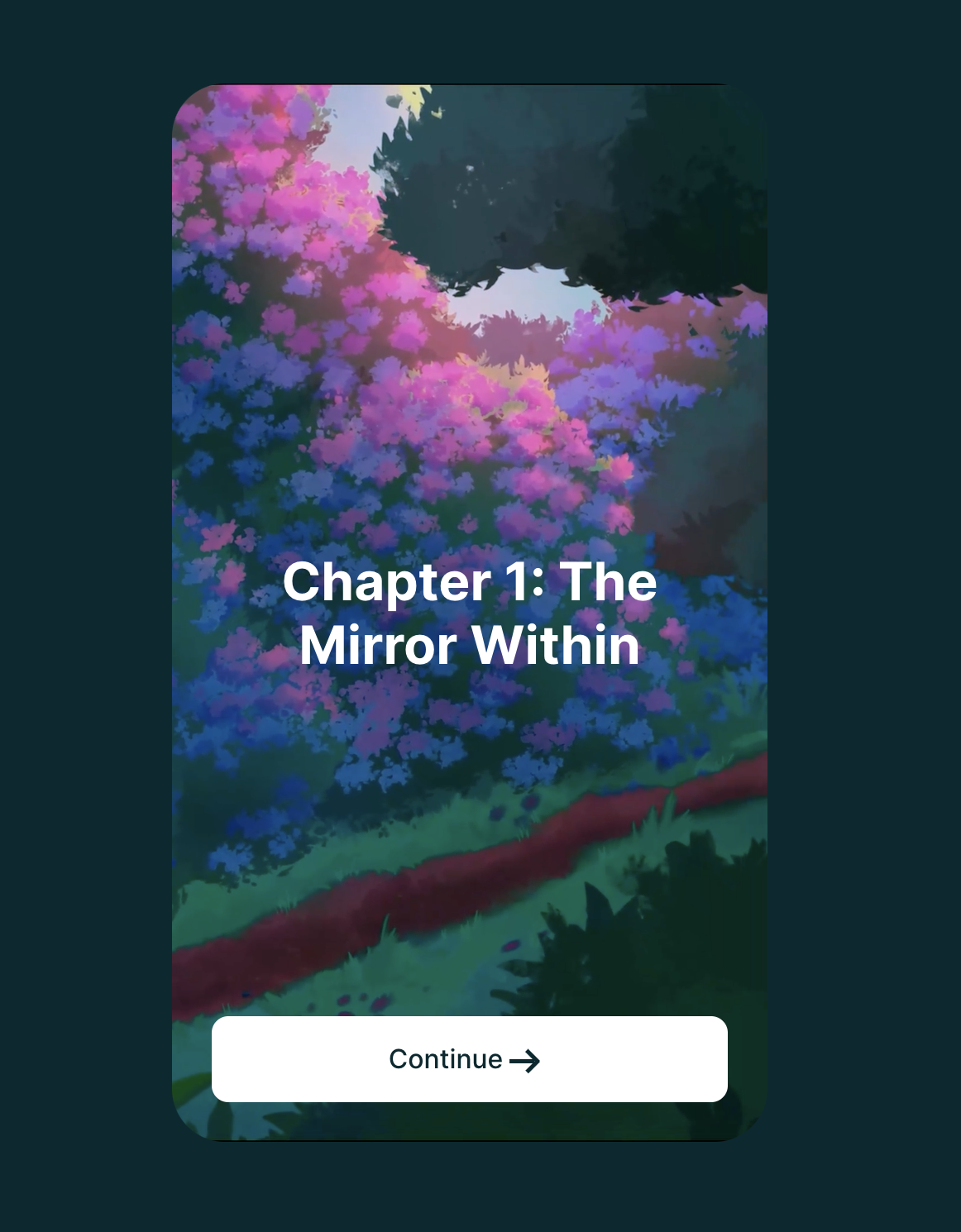
Video step with a title and showButtonsDelay keys
{
  "type": "video",
  "stepId": "chapter_1_video",
  "url": "https://c.thefab.co/Elixir/Animations/vid_chapter_1_optimized.mp4",
  "backgroundColor": "#002a30",
  "showTextDelay": 500,
  "title": "Chapter 1: The Mirror Within",
  "textColor": "#FFFFFF",
  "showButtonsDelay": 500,
  "ctaText": "Continue",
  "ctaColor": "#FFFFFF",
  "ctaTextColor": "#002A30"
}